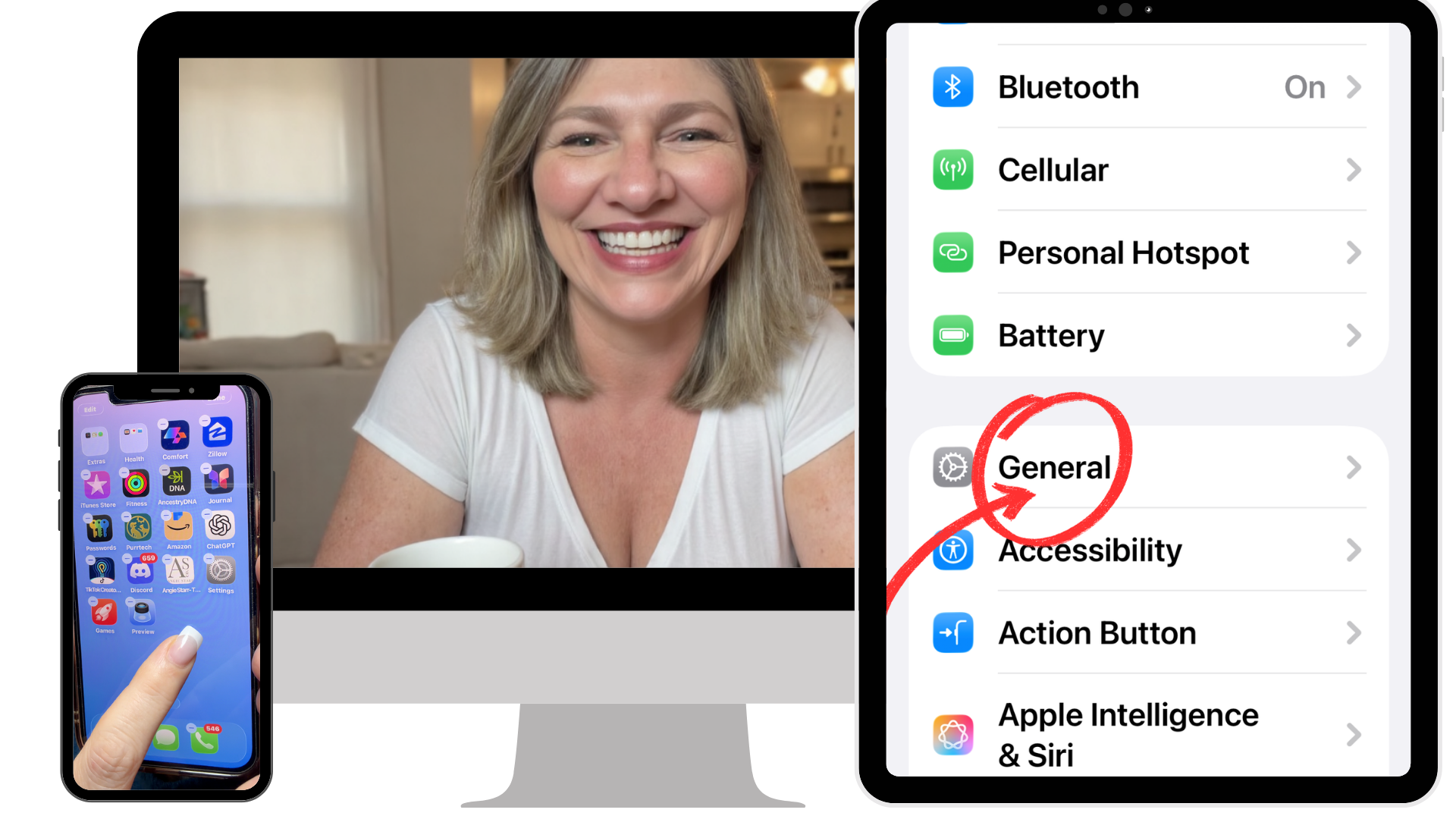
Your iPhone wasn’t set up for your life.
Let’s fix that in 30 minutes.
Get the step-by-step video course that finally makes your iPhone easier to use… without messing anything up or calling your kids for help.
7 Day Money Back Guarantee
✔ No apps
✔ No subscriptions
✔ No tech jargon
If you can press play, you can do this.
Built with the non-tech savvy community in mind
Created by Gin Peterson · Cybersecurity Teacher · 75,000+ YouTube Subscribers · 20+ Years in Education

You have handled hard things your whole life.
You raised kids. You managed a household. You had a career. You figured things out before Google existed. You are not someone who falls for things easily.
But something has shifted with this phone. And you can't quite put your finger on why it makes you uneasy.
It's not that you're not smart enough. It's that the rules keep changing and nobody told you.
What’s Inside
In 30 minutes, you’ll follow simple, bite-sized video lessons and printable guides that walk you through everything step by step.
Here’s exactly what will change:
✔ Calls from unknown numbers stop ringing on your phone but important ones still get through
✔ You don’t see suspicious text messages anymore
✔ The constant buzzing and dinging of notifications are turned off
✔ Your apps are easy to find the moment you need them
✔ Your phone goes quiet at night without missing anything important
And just as important:
✔ Nothing is deleted
✔ Nothing is permanently changed or blocked
✔ You can’t break anything
Let’s do this together!

Why This Works
Most advice focuses on teaching you to recognize scams.
But scammers are getting better every day.
This doesn’t rely on awareness.
It removes the calls & texts before they ever reach you.
The problem is solved, once and for all.
This is for you if…
✔ You are sharp, capable, and independent and plan to stay that way
✔ You hesitate every time an unknown number calls
✔ You feel like you're always one tap away from breaking something
✔ Your phone updated then you spent the next week trying to find things again
✔ You don't want to ask your kids for help. Again.
✔ You want your phone to go quiet at night without missing anything that matters
✔ You'd rather just handle this yourself, quietly, without making it a whole thing
✔ You want to answer the phone without that little knot in your stomach
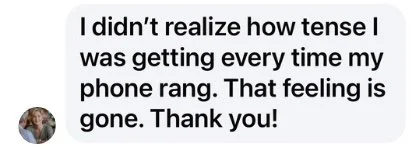
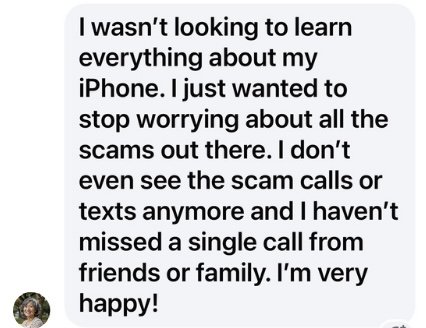
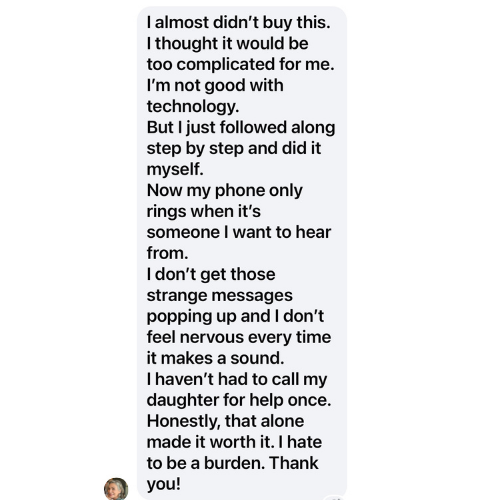
What People are Saying…
Here's What You Get:
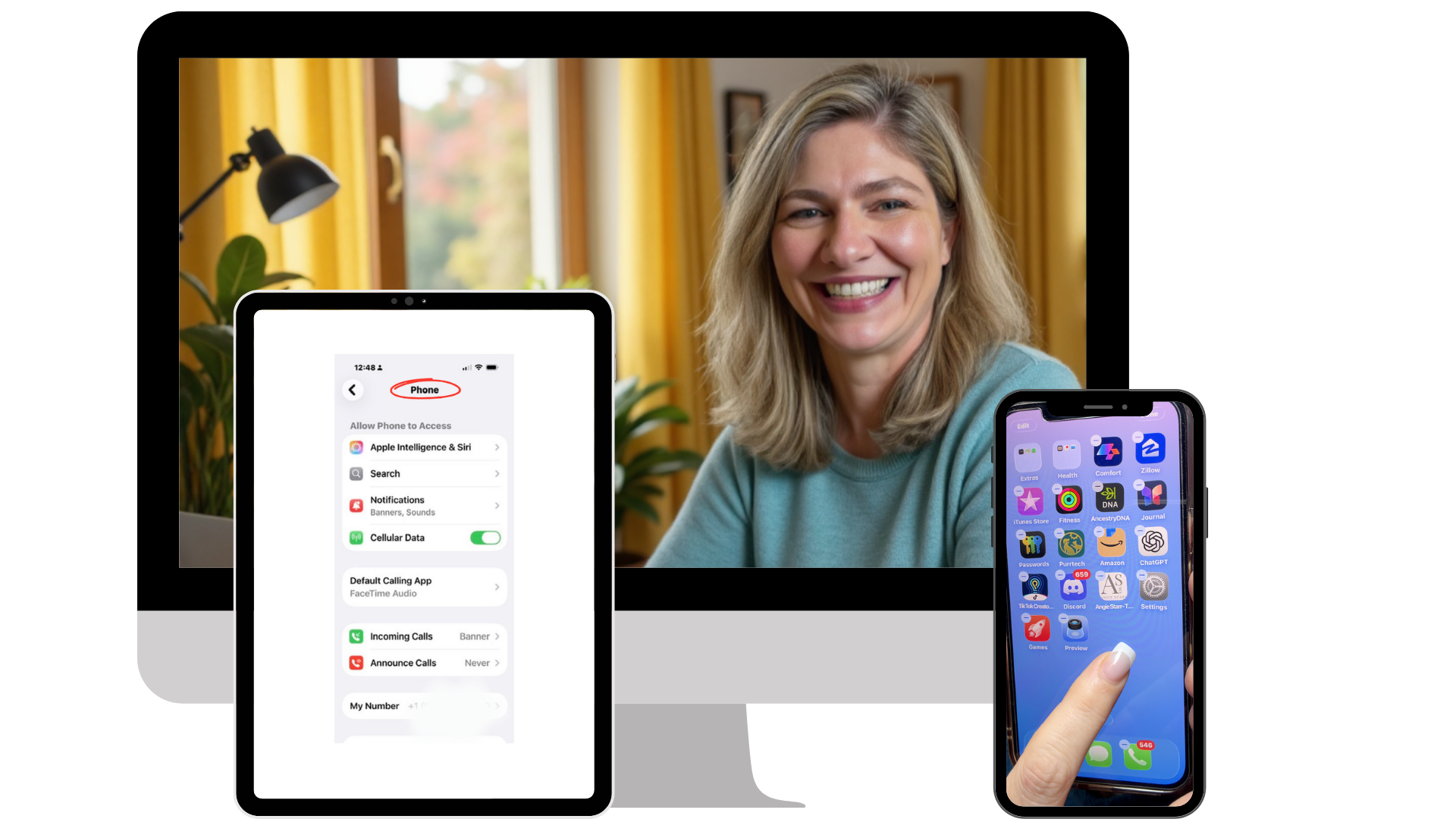
✓ Five Bite-Sized Video Walkthroughs: Set up your phone for your life, block scammers while family and doctors always get through, answer calls & texts without hesitating, find anything without asking, and never dread an update again.
✓ Printable Step-by-Step Guides: One for every step in the course, designed to keep right next to your phone so you always know exactly what to check… without rewatching anything.
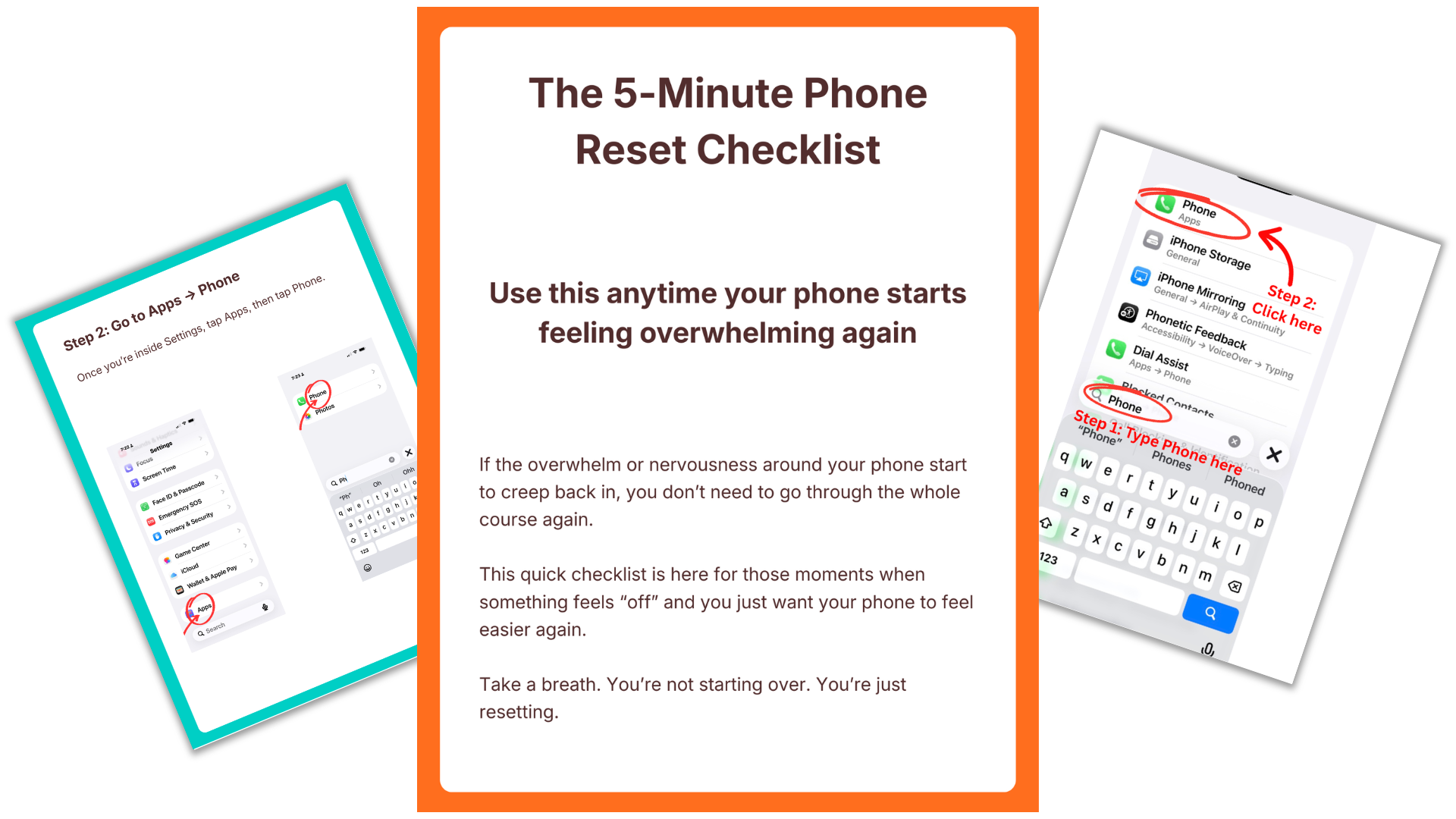
✓ BONUS: The 5-Minute Phone Reset Checklist: A printable you reach for the moment after an update moves something. Run through it, put things back, and you're done. No starting over.
✓ BONUS: Lifetime Access: When Apple updates and moves things around, I update the course. Come back anytime, find exactly what changed, and get back on track. No starting over. No buying anything again. Ever.
Built for the Non-Tech Savvy: Every single video and printable guide is designed for the person who has never changed a setting in their life. If you can press play, you can do this.
Today’s Price: $37
7 Day Money Back Guarantee
The Problem Isn’t That You Can’t Spot Scams.
The problem is that scammers reach you at all.
My mom is sharp. She reads the news. She knows scams exist. Some of her friends have been the victims of scams.
None of that mattered when a text came through that looked completely harmless.
She clicked it. A pop-up took over her screen. She called the number. A voice on the other end sounded completely official.
She almost downloaded something. She didn't know what they had access to.
And I wasn't there.
That's the part that got me. She didn't fall for it because she was careless or naive.
She fell for it because scammers are good at this. It's their job.
And her phone was set up in a way that made her an easy target.
So I stopped trying to teach her to recognize scams.
Because no one can spot every scam, every time. That's not a fair ask.
Instead I built something different.
A 5-step setup that stops most of the threats before they ever reach her. The texts that look real until you look twice… and sometimes even then. The calls that shouldn't get through.
She did it herself. At her own pace. In her own home.
Now when something feels off, she knows what to check. She's not calling anyone. She's not second-guessing herself.
She's just living her life.
That's what I built this course to do for you.


Is it me?
Think about the last time your phone did something unexpected.
Maybe an update moved something you finally knew how to find.
Maybe a notification popped up you didn't recognize.
Maybe you went to do something you've done a hundred times and it just... wasn't there anymore.
And for a second you thought: is it me?
It's not you.
But every day you spend with a phone that wasn't set up for your life is another day that question gets a little louder.
Another day you hesitate before answering.
Another day you call for help you didn't want to ask for.
Another day you hand it over and watch someone else fix it in thirty seconds and smile at you like it was nothing.
That feeling doesn't go away on its own. Apple isn't going to stop updating. The phone isn't going to simplify itself.
But thirty minutes from now, it could be done.
But will I be able to do this? Take a peek inside…
This is a clip from the first module. No tech jargon. Just clear, easy to follow steps.

This is for the woman (or man) who has been meaning to do something about her phone for months.
The one who wakes up after an update and spends the morning trying to find things that were right where she left them yesterday but now are nowhere to be found. The one who doesn’t take calls because she is not sure she should answer. The one who texts her daughter to ask if she just tried to call.
She is not bad with technology. She knows that. She managed a career. She raised a family. She figured out hard things her whole life before there was a Google to ask.
But this phone keeps changing on her. Every time she finally gets comfortable, something moves. And she is tired of feeling like she is always one step behind something that is supposed to make her life easier, keep her more connected. But the truth is she feels less connected than ever.
She does not want to learn more about it. She just wants it to work.
She comes across this course one morning. Sits down at her kitchen table with her phone and her coffee. No one watching. No one waiting. Follows along at her own pace. Pauses when she needs to. Goes back when she wants to hear something twice.
She is done before lunch.
That afternoon her phone rings. Someone she knows. She picks up without thinking twice. And every call and text after is too. She picks up her phone to use an app and she can find it, quickly and easily. That time and every time after.
She does not tell anyone right away. She wants to live in it first.
A week later her daughter mentions she has noticed something. Mom has been picking up more. Responding faster.
"I fixed it," she says.
That is the moment this course is for. Not that first morning. The week after, when someone who loves you notices that you are back. Picking up. Responding. Present again.
That is what this is for.

Meet Your Teacher
Gin Peterson
I have been a teacher for 20 years. I specialize in cybersecurity. I know exactly how this works. I know how the phone is supposed to function, I know where the vulnerabilities are, and I know what it actually takes to make it feel safe and simple for someone who just wants to use it without the constant unease.
And I still had to watch my mom go through all of it.
She is sharp. Capable her whole life. But every update threw her off. Every unknown number made her hesitate. She felt like she was always one step behind a phone that kept moving the goalposts.
I kept giving her advice. Telling her what to watch for. None of it actually fixed anything.
So I stopped talking and started building. I went through every setting on the iPhone until I found the five that actually change how the phone feels to use. Done once. Under 30 minutes.
Now when something feels off, she knows exactly what to check. She is not calling anyone. She is handling it.
Make Your iPhone Easier is the setup I built for my mom. And I am walking you through the exact same thing, step by step, at your own pace. Let’s do this together!
Frequently Asked Questions
-
No. This is not an app, and you do not install anything on your phone. This is a guided video walkthrough that shows you how to use the safety and filtering tools that already exist on your iPhone, step by step, so they work the way you want them to. Nothing new is added to your phone.
-
You absolutely could. Information is everywhere.
The problem isn’t access. It’s what you’re shown and what you’re not.
I’ve spent years on YouTube, with over 75,000 subscribers and 4.5 million views. I know how the platform works. You don’t see the videos that will help you the most. You see the ones designed to keep you watching longer.
That’s why people end up jumping between videos, hearing different advice, and stopping halfway through… unsure which steps actually apply to their phone or whether they did it right.
This was created to be the opposite of that.
One clear path. Done slowly, in the right order with someone showing you exactly where to tap.
It’s not about learning more.
It’s about setting this up once so it stops taking up space in your head. It’s about doing it right the first time. -
No. At no point do I have access to your phone, your data, your messages, or your calls. All changes are made by you, directly on your own device, following the step by step videos and detailed printable guides.
-
No. That is the opposite of the goal. You will set things up so scam and unknown calls are filtered, risky texts are handled safely, and important people always get through. You are not guessing which calls to answer.
-
No. This is a one time purchase. You pay once and keep access forever. There are no subscriptions, renewals, or surprise charges. You pay one time and there is no additional cost to you ever. You get lifetime access so all additional updates are included at no additional charge.
-
You are getting a course. You receive short, easy to follow video walkthroughs, clear screen recordings showing exactly where to tap, printable step by step guides if you prefer written instructions, and a simple checklist you can use anytime your phone feels off again. You can watch at your own pace, pause, rewind, or repeat as often as you like. Most importantly, you end up with a phone you can use without worry, second-guessing, or stress.
-
Most people can complete the setup in under 30 minutes, but there is no rush. You do not need to do everything at once. You can stop and come back anytime.
-
Yes, this is perfect for you! This was created for people who are smart, capable, and independent, but tired of feeling unsure every time the phone rings or a message appears. Everything is explained in easy to follow language, with no tech jargon.
-
Apple updates its software more often than it changes the phones themselves. This program is based on those software settings, not on a specific phone model.
Your purchase includes lifetime access, so when changes matter, I update the guidance to stay accurate and you have access to those updates.
Here is what nobody talks about.
Every time your phone rings and you hesitate, there is a real person on the other end waiting for you to pick up.
That split second of dread? It is costing you something.
Your doctor. Your grandchild calling from a friend's phone. Your son checking in. The people who matter most are getting through to a version of you that is bracing instead of present.
Your phone is supposed to be how you stay connected to the people you love. Right now it is getting in the way of that.
That does not have to be your reality anymore.
Thirty minutes. One setup. And the next time your phone rings, you answer it. No hesitation. No knot in your stomach. Just the people you love, getting through every time.
One Time Price: $37
7 Day Money Back Guarantee
Go through the setup.
If it doesn’t make a difference,
email me within 7 days for a full refund.