For iPhone owners who are tired of forgetting their own passwords
Never get locked out of your own accounts again
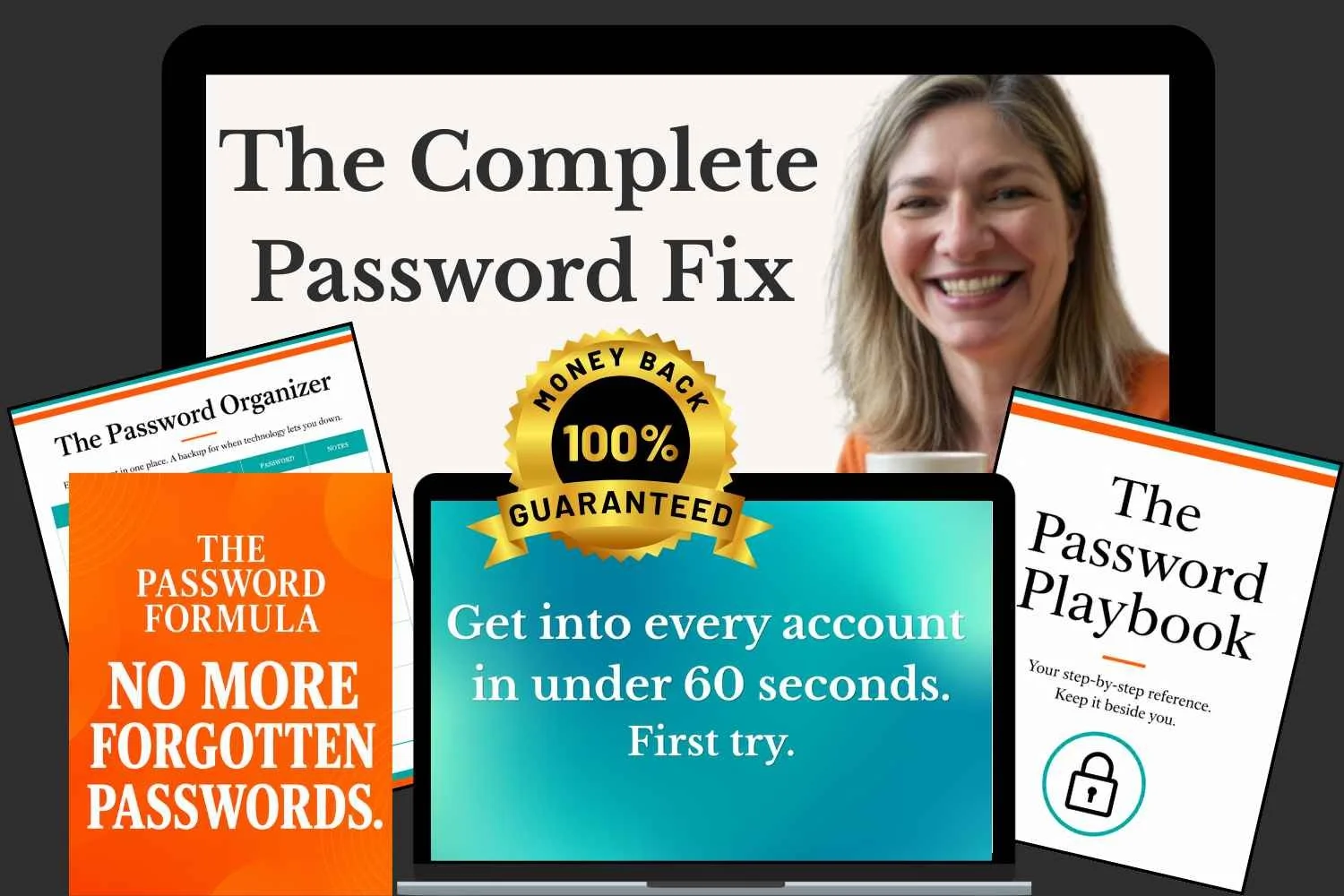
Grab the step-by-step system to log in to everything on your iPhone in seconds...
In under an hour, you can say goodbye to clicking "forgot password," hunting for where you wrote it down, or calling a loved one for help.
30 Day Money Back Guarantee
✔ No apps
✔ No subscriptions
✔ No tech jargon
Built with the non-tech savvy community in mind
Created by Gin Peterson · Certified Cybersecurity Teacher · Recipient of the National Cybersecurity Teaching Award · 74,700+ YouTube Subscribers · 21 Years Experience
Not sure if this would work for you? Try it risk free with our 30 day money back guarantee.
Press play. I'll show you exactly how this works.
30 Day Money Back Guarantee
$37
Instant Lifetime Access
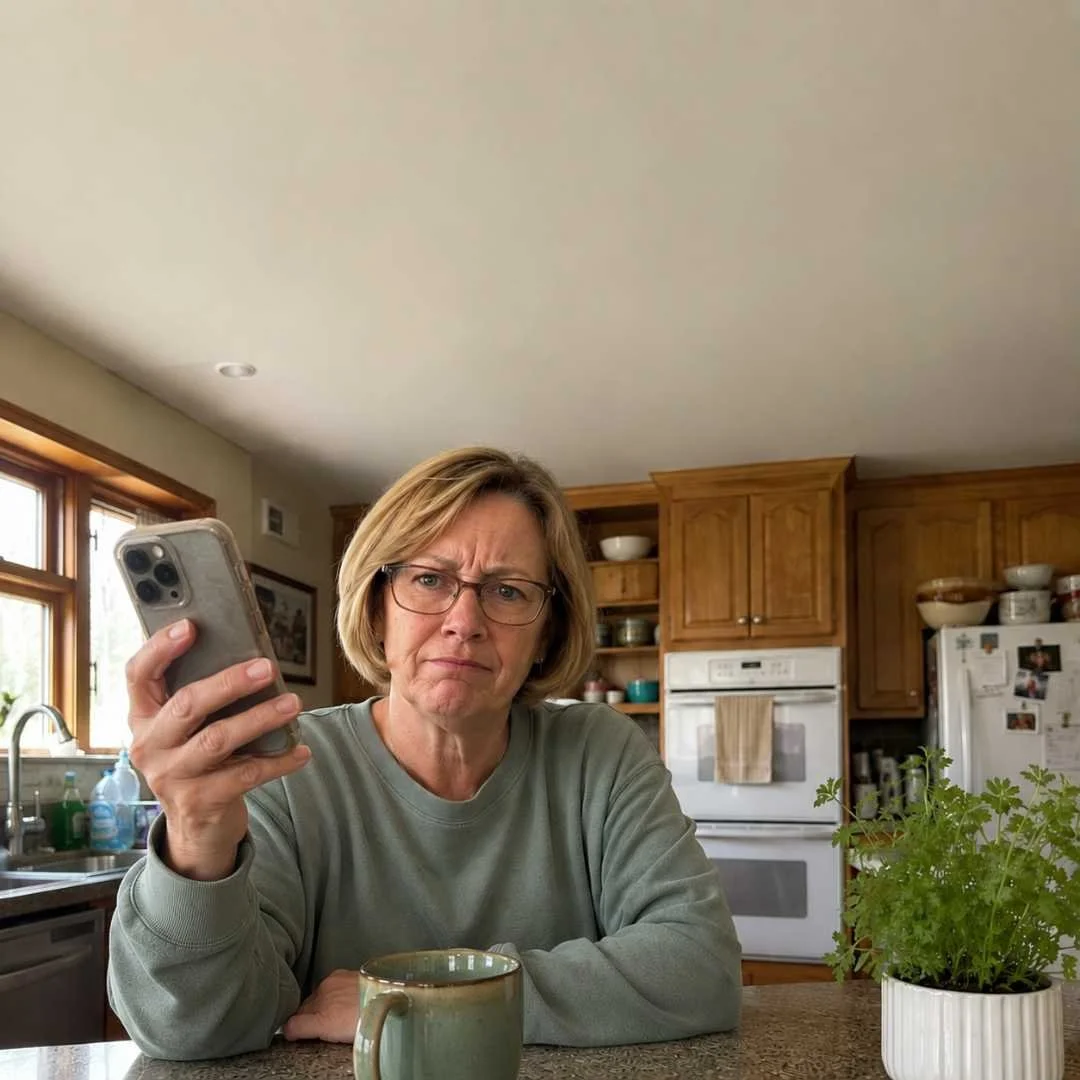
Locked out again. You hand the phone to someone else. They fix it in four seconds. And every time, you think the same thing. I should be able to figure this out myself.
This is for you if...
✓ You have all your passwords written somewhere in a notebook, on half a dozen sticky notes, or in your notes app… and you still can't find the right one when you need it
✓ You've clicked "forgot my password" more times than you can count
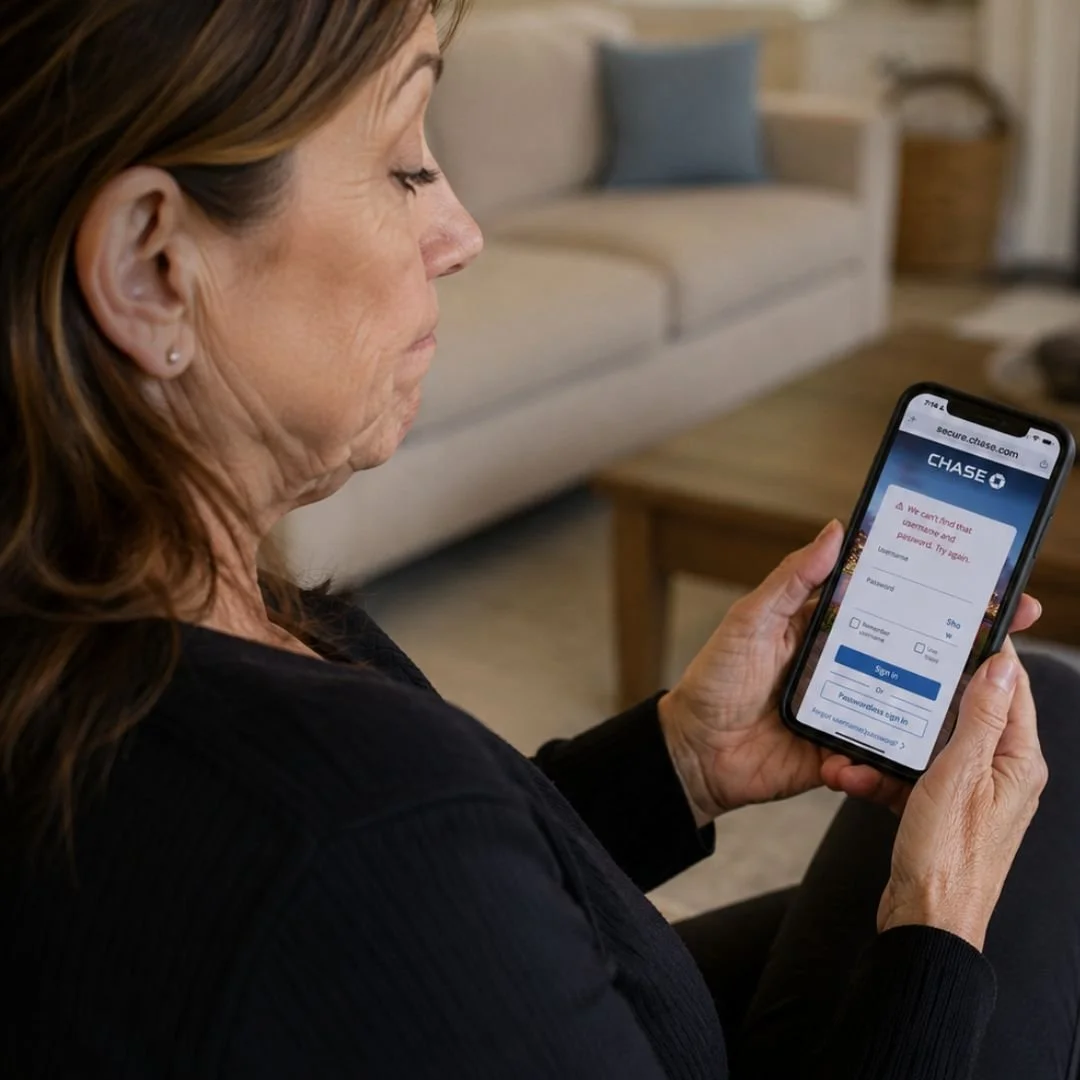
✓ You get into your bank through the app sometimes and Safari other times and it never quite works the same way twice
✓ Your loved one sets things up for you and then you can't remember what they did or how to do it yourself
✓ You are tired of asking other people for help
Every time you get locked out...
You don't just lose five minutes.
You lose the valuable time…
spent guessing passwords
waiting for reset emails
trying old notebooks
asking a loved one for help
re-entering new passwords on all your devices
And sometimes...you lose much more.
A bill doesn't get paid.
A doctor's appointment doesn’t get booked.
You can't access your boarding pass for your flight.
You give up and decide you'll deal with it tomorrow… again.
The problem doesn't go away. It keeps coming back… and all of those little moments keep adding up.
Spend one hour fixing it now, and you could save yourself dozens of frustrating hours over the next few years.
Studies estimate people spend up to 26 hours every year dealing with forgotten passwords and password resets.
How many more password resets are you willing to do before fixing the system that's causing them?
You get into every account in under 60 seconds. First try. No guessing. No calling loved ones for help.
You stop getting locked out of your bank, your email, the accounts you can't afford to lose, just because you can't remember which password you used.
No more late fees because you couldn’t log in to pay the bill on time.
You win back the hours you lose every year to "forgot password," resetting the same logins over and over, only to forget them again next time.
Picture the next time a login screen comes up. No notebook. No sticky notes. No Notes app to dig through. No little drop in your stomach. One tap of your fingertip, you are in, and you move on with your day without thinking about it twice. The accounts that run your life… your bank, your email, your bills… open the moment you reach for them. And the next time a password problem comes up, you are the one with the answer.
Here’s what changes…
30 Day Money Back Guarantee
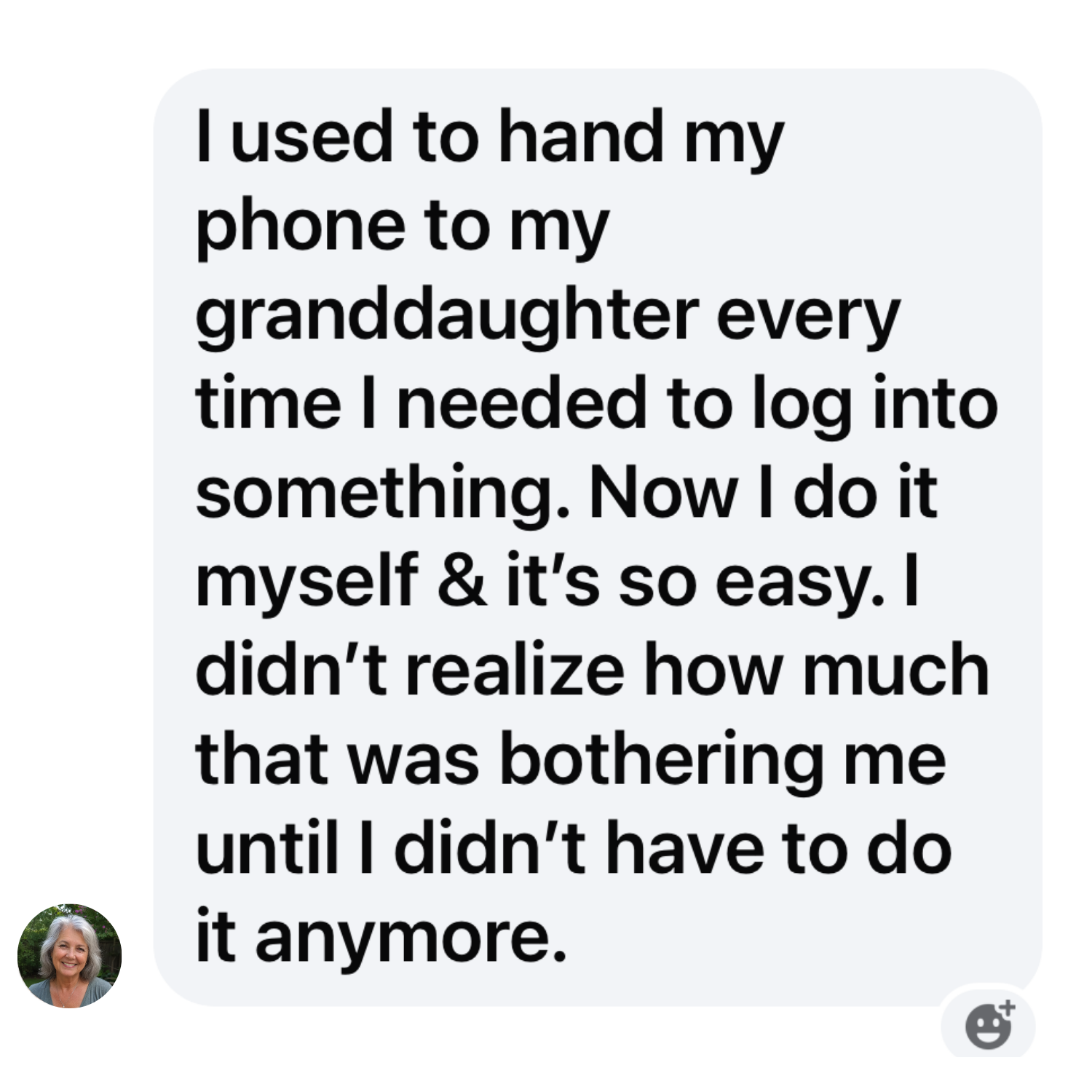
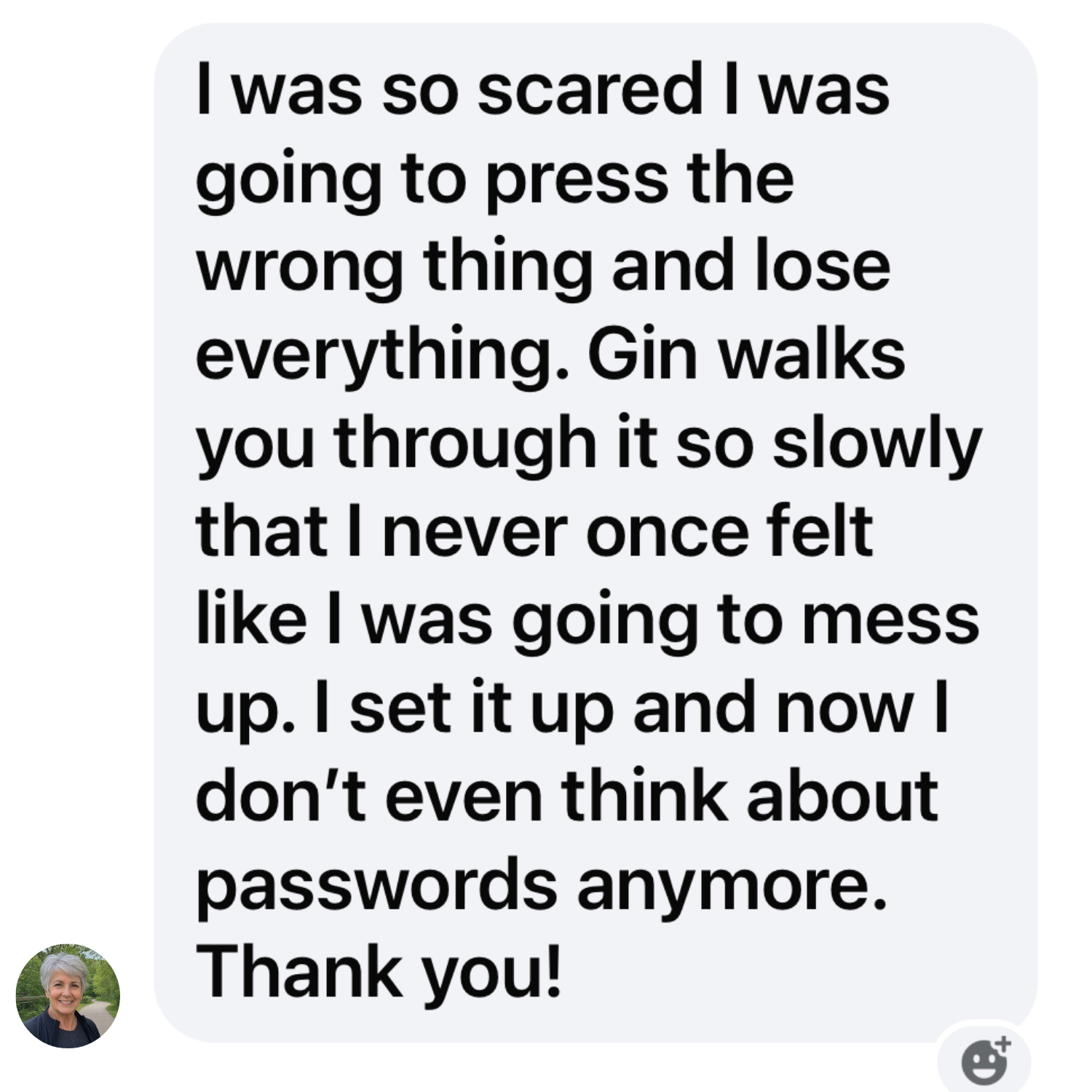
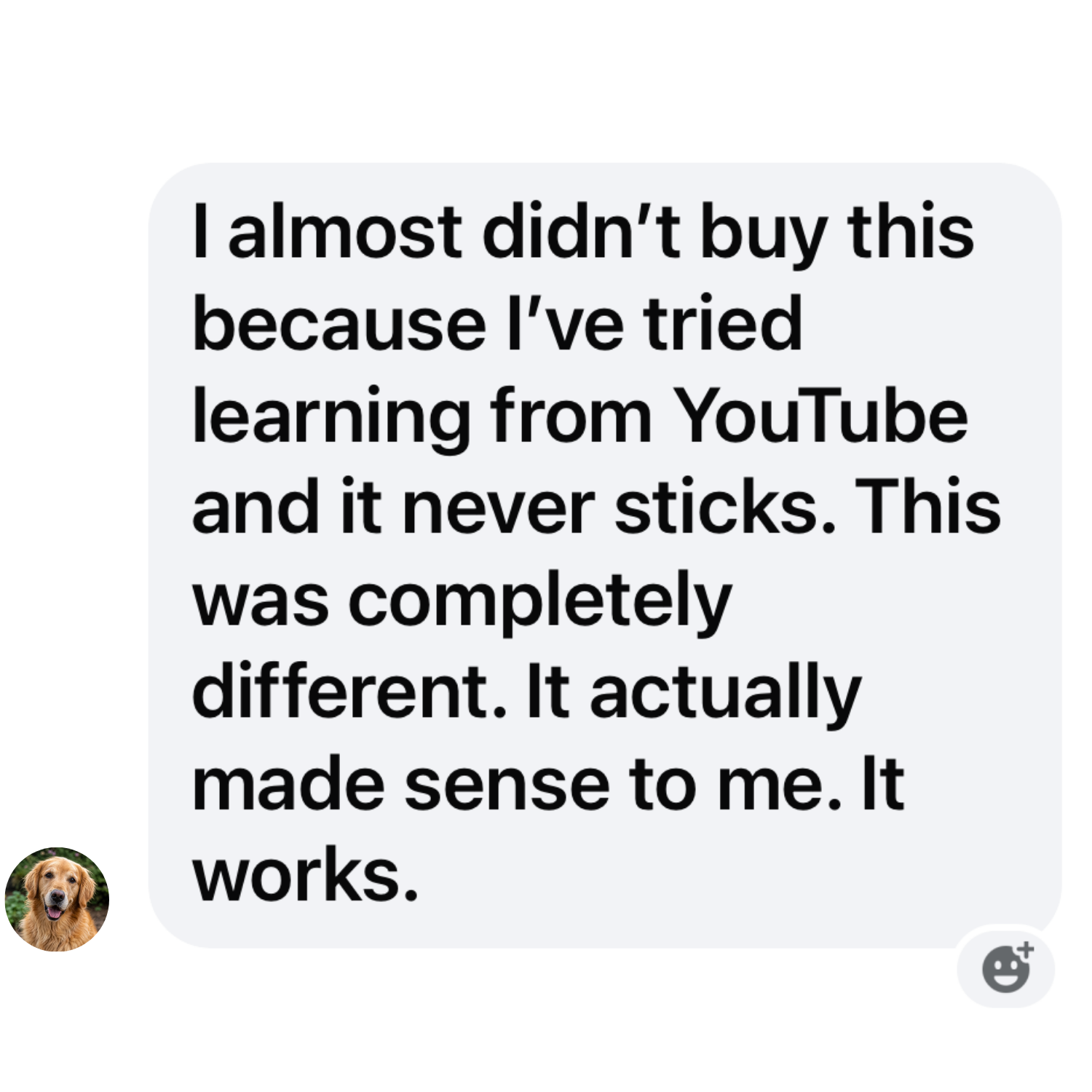
What People Are Saying…
Your iPhone was built to automate this whole thing.
In this short video course, I'll show you how it works.
Plus, I'll teach you my own method for creating strong passwords that you can actually type in again and a foolproof place to find them later… even when technology fails you.
Your accounts can be secure and easy to get into at the same time.
Grab the video course and in under an hour, you can have all of it set up and running.
Maybe this sounds familiar.
You can't get in. Into your email. Your bank. The websites you actually want to use.
So you do what makes sense. You go to where you keep them. The notebook. The sticky notes. The list in your Notes app. Thirty entries deep. Scribbled, crossed out, circled. A dozen options to try before you find the right one. Sometimes it's there. Sometimes it isn't.
And it is not getting better on its own. The websites keep changing the rules. The list of accounts keeps growing. Every month there is one more login to lose, one more late fee because you could not get in to pay on time, one more call for help to a loved one you did not want to make. Your system fell behind years ago. It will keep falling further behind for as long as you keep reaching for it.
Somewhere along the way, you start to wonder if the problem is you. If maybe your memory just isn't what it used to be.
It's not you.
I watched my mom go through this exact thing. Every time we sat down together, out came the notebook. We'd work through it… try this one, try that one… until something finally worked.
She's sharp. She's capable. But the system she'd been using for years had stopped working for everyone somewhere along the way.
Password rules got complicated. Websites force you to change them. Apps have different requirements. Nothing stays the same long enough to write it down and leave it.
The notebook made sense. It just got left behind.
So I built her a new system. Her iPhone automatically handles the passwords she used to fight with every day. And when that doesn’t work, she still has a notebook… just a better one. One that actually works.
I turned it into a short step-by-step video course, so you can set it up yourself, on your own iPhone in under an hour.

What’s inside this short video course…
✓ 7 bite-size video lessons walking you through the exact setup that teaches your iPhone to remember every password for you so you get into everything, every time, on the first try. The whole thing is done in under an hour.
✓ My Password Formula the exact way I teach you to build a password that keeps your account locked tight, but built so you can always get back in. No long strings of characters that look like you smashed the keyboard. This method will still work no matter what Apple does. Once you know the formula, every new password you make takes seconds.
✓ The Password Playbook your complete printable reference. Keep it open as you go through the lessons. Come back to it whenever you need it.
✓ The Password Organizer a done-for-you system for every account you own. Find anything in seconds. When technology fails, you have a back up plan. Your password notebook just got an upgrade.
✓ BONUS: Live Q&A Call with Gin buy today and you are in. Join me on a live Zoom call and ask me all your password questions. Whatever is giving you trouble. I will answer it live.
Regular Price: $97
Today’s price: $37
The price is going up soon! Grab it while you can
No subscriptions
Lifetime access
30 Day Money Back Guarantee
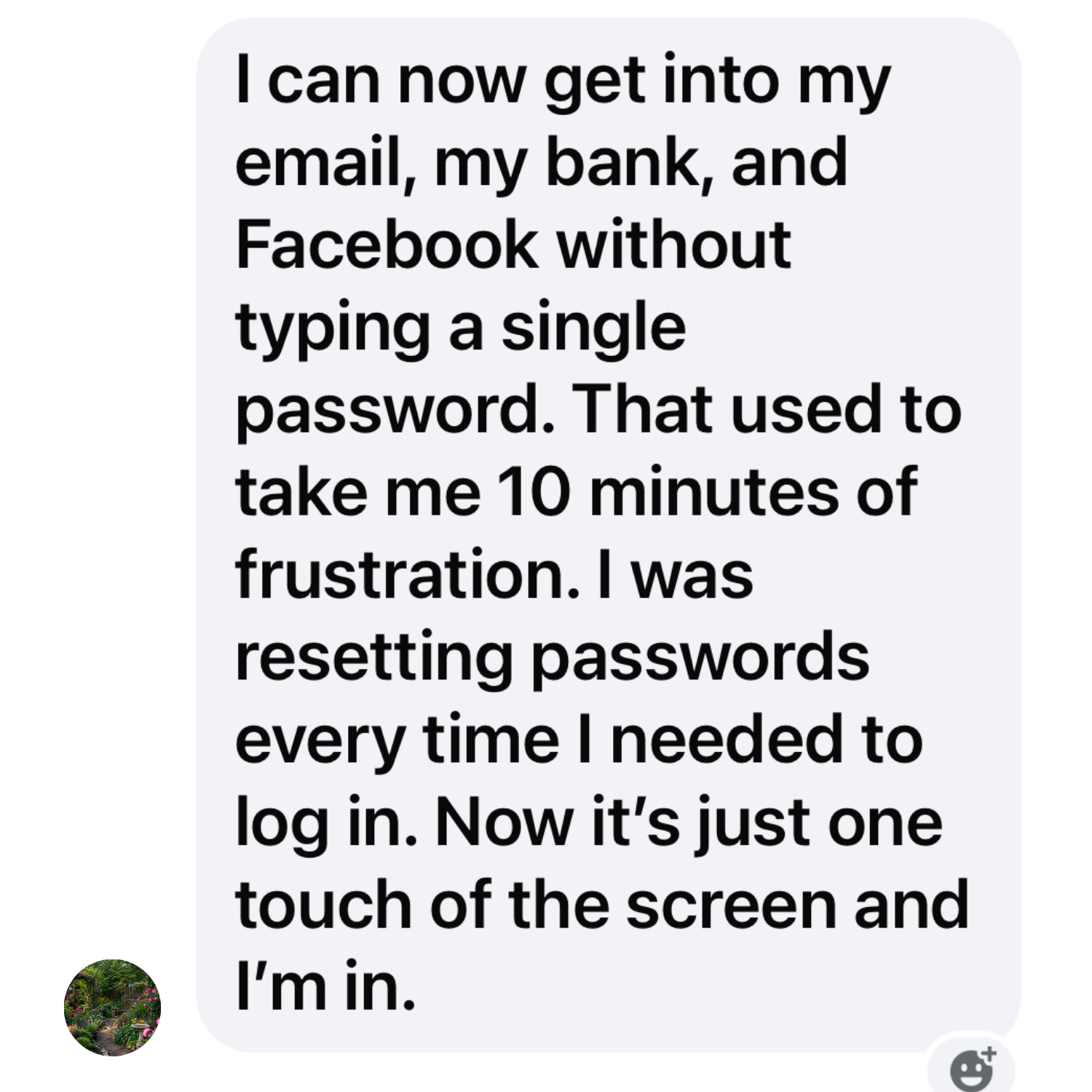
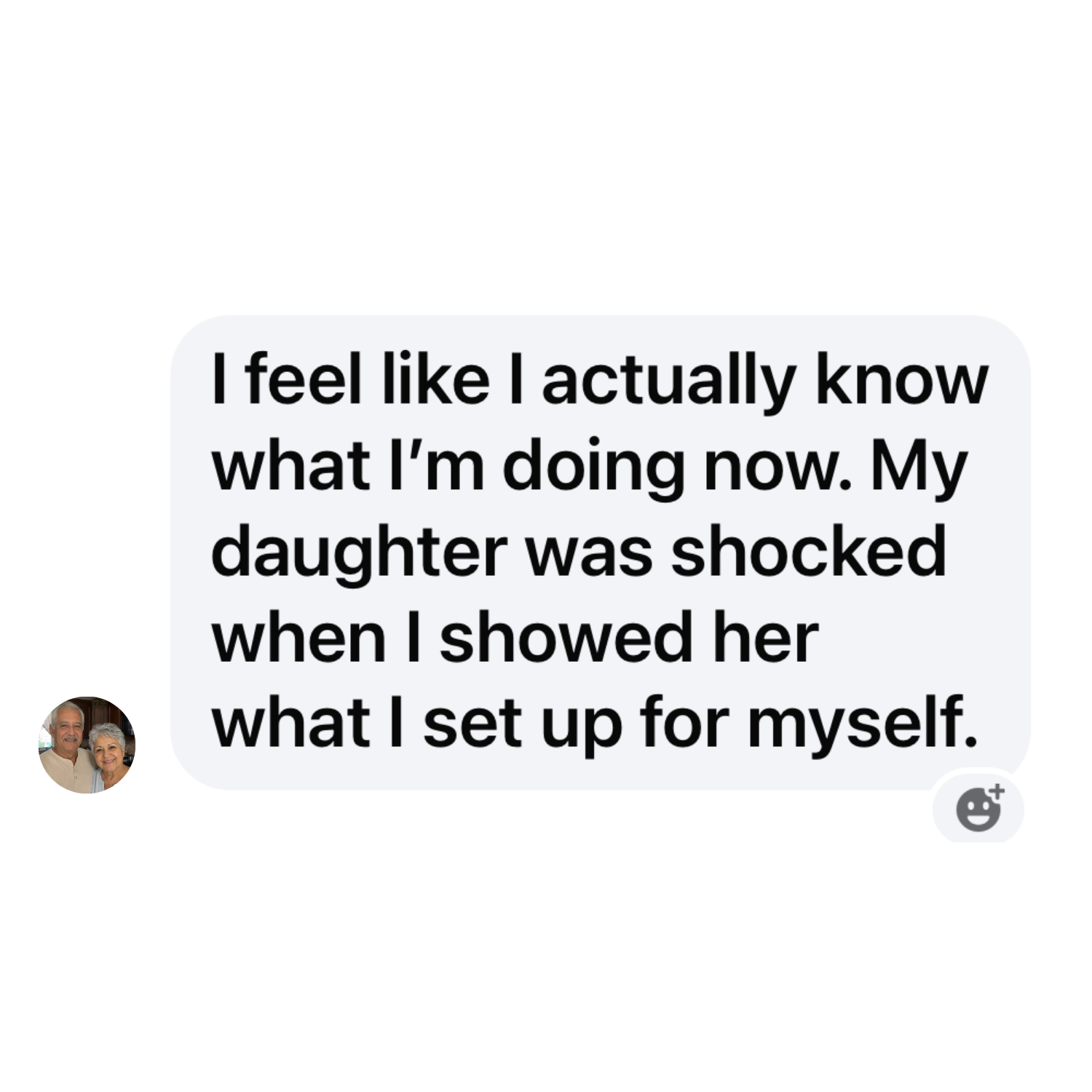
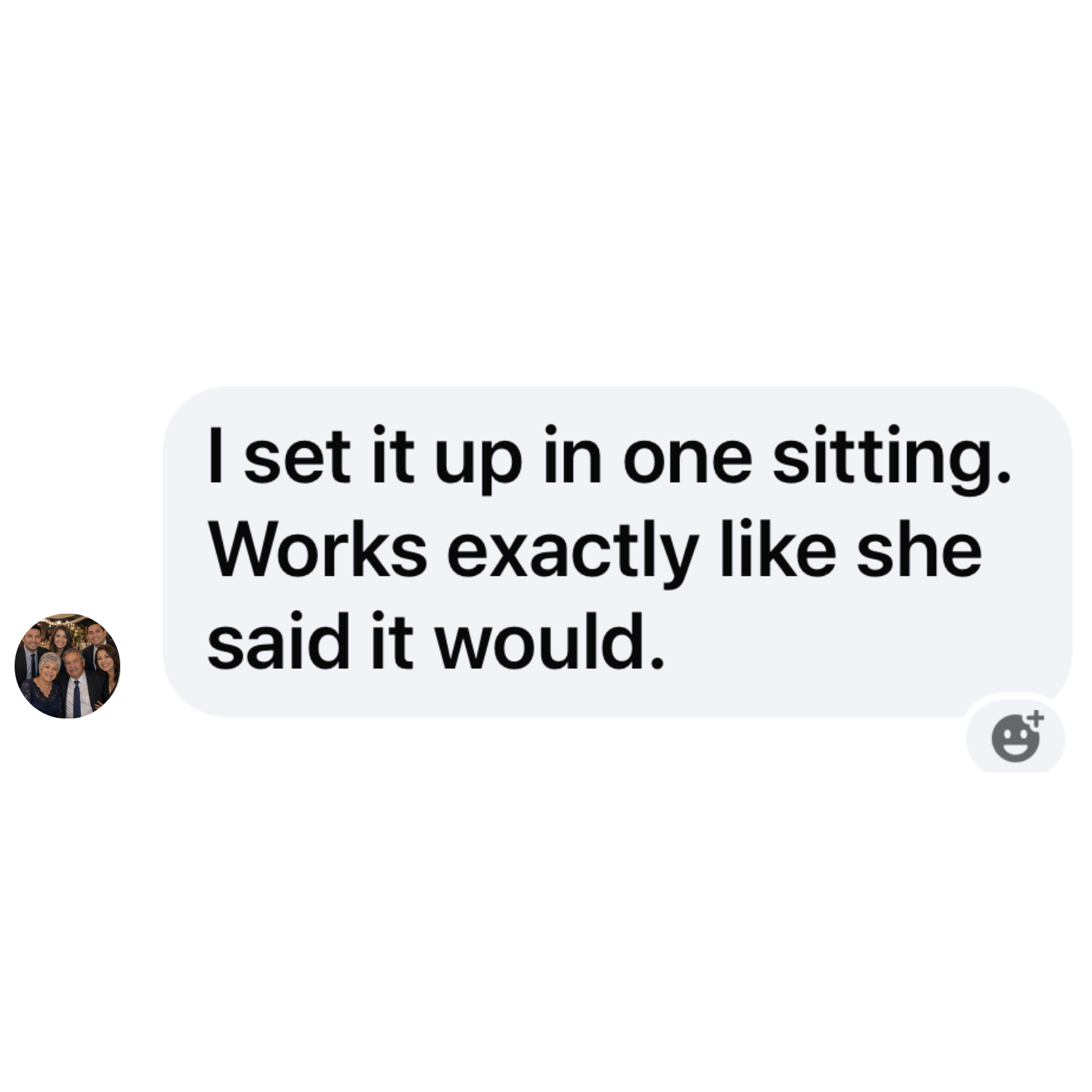
Take a peek inside…
No tech jargon. Just clear, easy-to-follow steps. Press the play button for a sneak peek.

Meet Your Teacher
Gin Peterson
I’m a cybersecurity teacher with over 20 years of experience.
So I'll tell you something that might surprise you coming from me: the advice everyone gives… make your passwords stronger, make them more complicated, never use the same one twice… is only half the answer. Because a system so secure that you can't get into it yourself isn't keeping you safe. It's just keeping you out.
I know exactly how passwords work, where the vulnerabilities are, and what it actually takes to make your iPhone feel safe and simple at the same time.
And I still had to watch my mom fight with a notebook full of crossed-out passwords just to check her email.
She is sharp. Capable her whole life. But the rules kept changing and the notebook couldn't keep up. I kept giving her advice. None of it actually fixed anything.
So I stopped talking and started building.
The Complete Password Fix is the exact system I built for her.
And I am walking you through it, step by step, at your own pace.
Let's do this together.
Your Questions, Answered
-
This is a guided walkthrough. You get seven short video lessons that take about 30 minutes start to finish. Plus my Password Formula for building strong passwords, the Password Playbook to print and keep beside you, and the Password Organizer so every account has a home. You also get a live Q&A call with me. Everything arrives in your inbox the moment you buy, and it’s yours for life. No app to install. No subscription. No further cost ever.
-
We start with your iPhone, because that is the device you carry everywhere and the one you probably get locked out of most. Once it is set up, the same passwords follow you to your iPad and your Mac on their own, as long as you are signed in to the same Apple ID account. I can show you how to check that you are.
-
One time. You pay today and that is it. No monthly fee, no renewal, no further cost ever. The course is yours to keep, including any updates I make down the road.
-
No. Everything stays locked behind your Face ID or your passcode. A stranger who picks up your phone cannot reach your passwords without one of those. Setting that up the right way is one of the first things I walk you through. You stay the only one who can get in.
-
No. I never see your passwords, and neither does anyone else. They live on your own iPhone, behind your Face ID. Nothing is sent to me. I teach you how to set it up, you do it on your own phone, and you stay the only one who can get in. Your passwords never leave your hands. That is exactly the point.
-
No. The method does not change when Apple changes the screen. Once you understand how it works, you can find your way through any update or any new iPhone. That is the difference between memorizing buttons and understanding the system. I teach you the system. And when Apple changes something big enough to matter, I update the course. You have lifetime access, so you can come back and watch the new version any time. You buy this once and it stays current with your phone.
-
If you can press play, you can do this. The lessons are short and you go at your own pace. Pause, go back, and watch again as many times as you like. None of this was ever explained to you properly. Helping people get comfortable with technology that has been working against them is what I do.
-
Sort of. Your iPhone has a built-in tool that can remember your passwords for you. If it isn't set up right, it sits half-on, helping with some accounts and ignoring others. That is why nothing ever feels reliable. I do not sell you another tool. I show you how to use the one you already paid for, set it up so it covers every account, and I give you a formula for the passwords it can't hold and a place to find them in seconds. You learn a system you can use to log in fast, whether your phone is cooperating with you or not. When we are done, your phone is set up to do the heavy lifting for you, and you have a backup plan in place for when it doesn't.
-
You are not on your own. You get a live Q&A call with me, where you can ask anything that is giving you trouble and I answer it live. Let's do this together.
-
Yes, and people do. This is a common gift for a parent, spouse, or friend who keeps fighting with their passwords. At checkout you let us know it is a gift and who it is for, and the lessons go to them directly. They watch at their own pace, and the live Q&A call is, of course, open to them too.
Get Into Every App, Every Account, Every Time.
Today’s Price: $37
What you get:
✓ Step-by-step video lessons & a complete printable reference guide delivered to your inbox instantly
✓ Done in under an hour
✓ No apps to install, no subscriptions, no further cost to you ever
✓ 30 day money back guarantee